Table maps & courses
Your real floor plan on screen: seats, covers, course timing and table transfers, so servers stop guessing which order belongs where.
Table maps, kitchen displays, split bills, modifiers, tips and recipe-level stock in one system — configured with your menu, tested in a dry-run service, and live with an engineer on the floor.
Every feature below is part of the venue setup — not an upsell you discover after your first weekend of service.
Your real floor plan on screen: seats, covers, course timing and table transfers, so servers stop guessing which order belongs where.
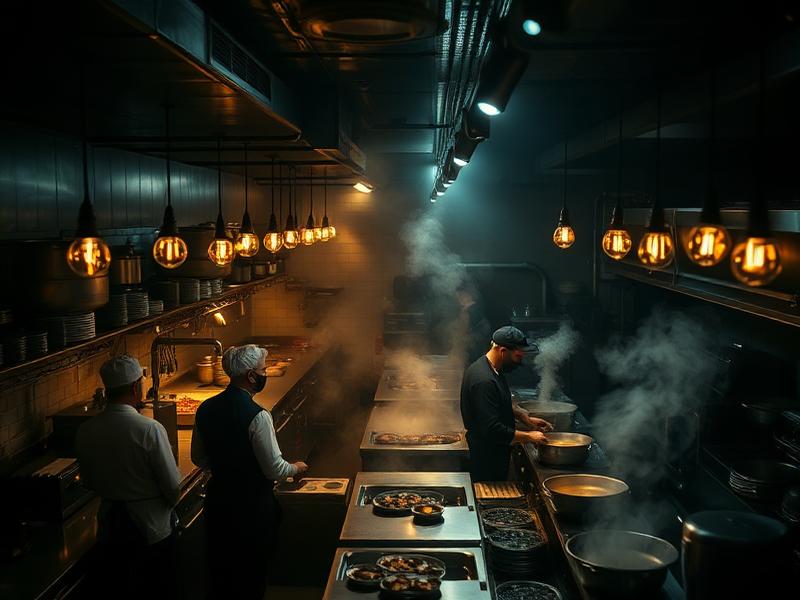
Tickets fire to kitchen, grill, bar and pass in parallel with prep timers, bump, recall and all-day counts per item.
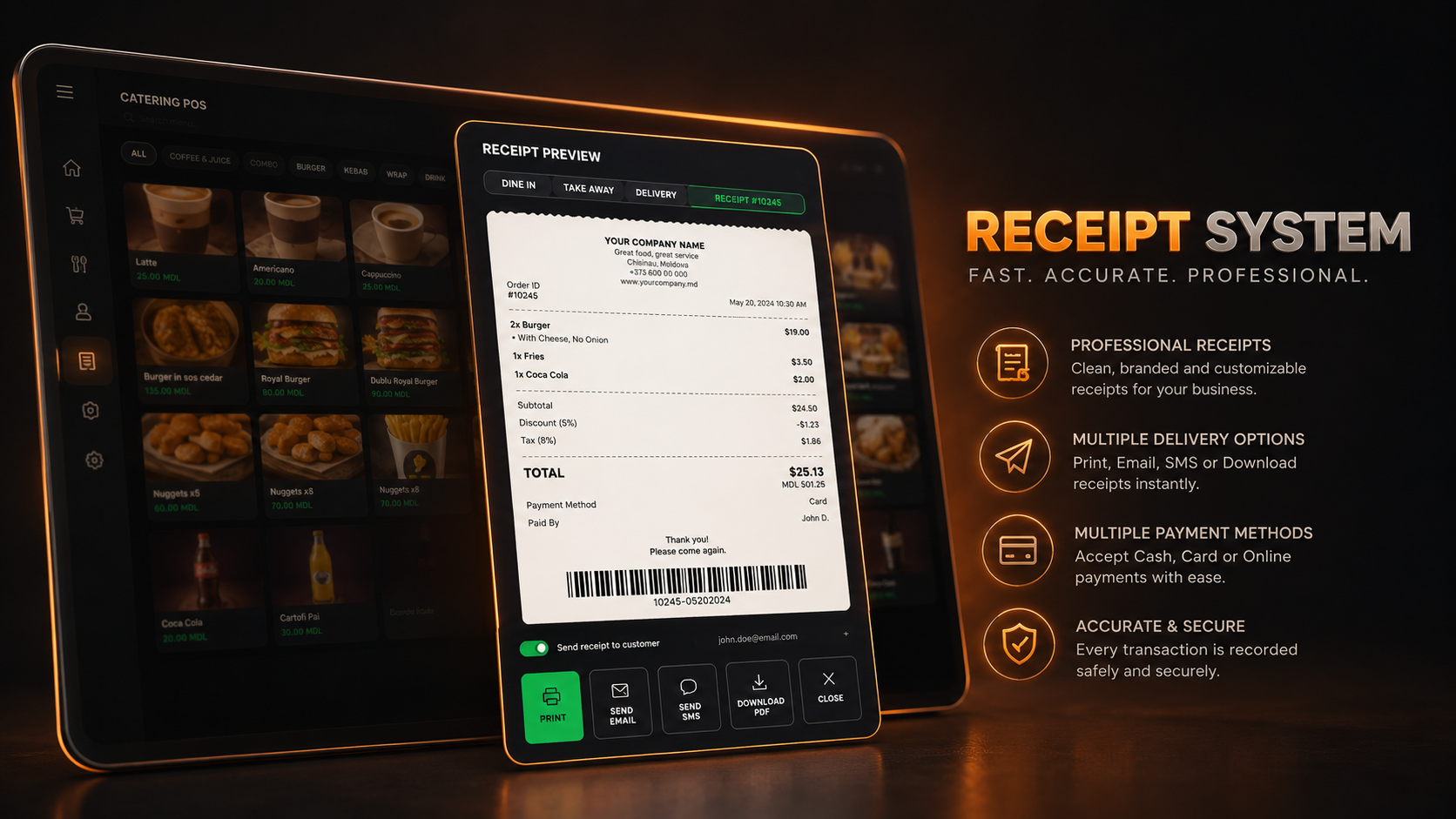
Split by seat, item or share, merge tabs, apply service charge, and route tips to the right staff on the shift report.
Nested modifiers, allergen notes, upsell prompts, happy-hour pricing and combo rules configured without a developer.
Aggregator and QR-menu orders land in the same queue as walk-ins, so the kitchen works from one ticket flow.
Connection drops mid-rush and orders, printing and cash payments keep running locally, then sync when it returns.
Recipe-level depletion, waste logging, low-stock alerts and supplier orders driven by what actually sold.
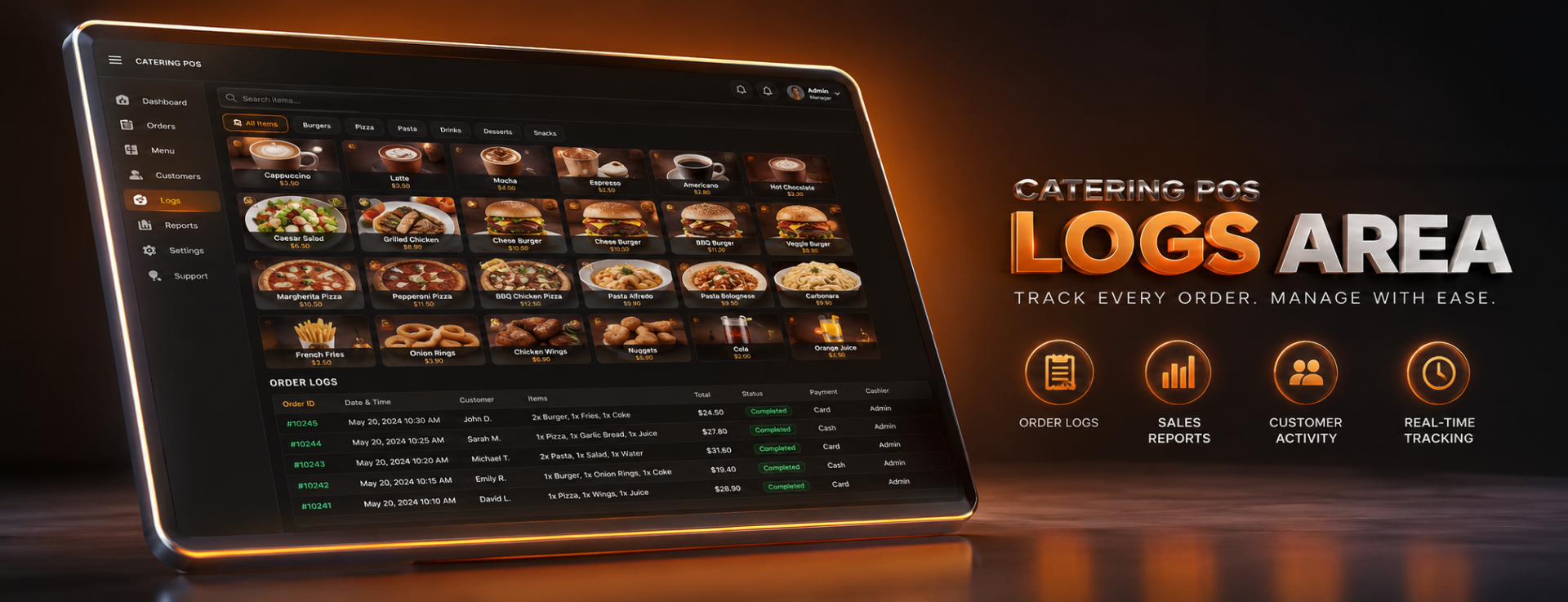
Clock-in on the terminal, break rules, void and discount audit trails per user, and labour cost against live sales.
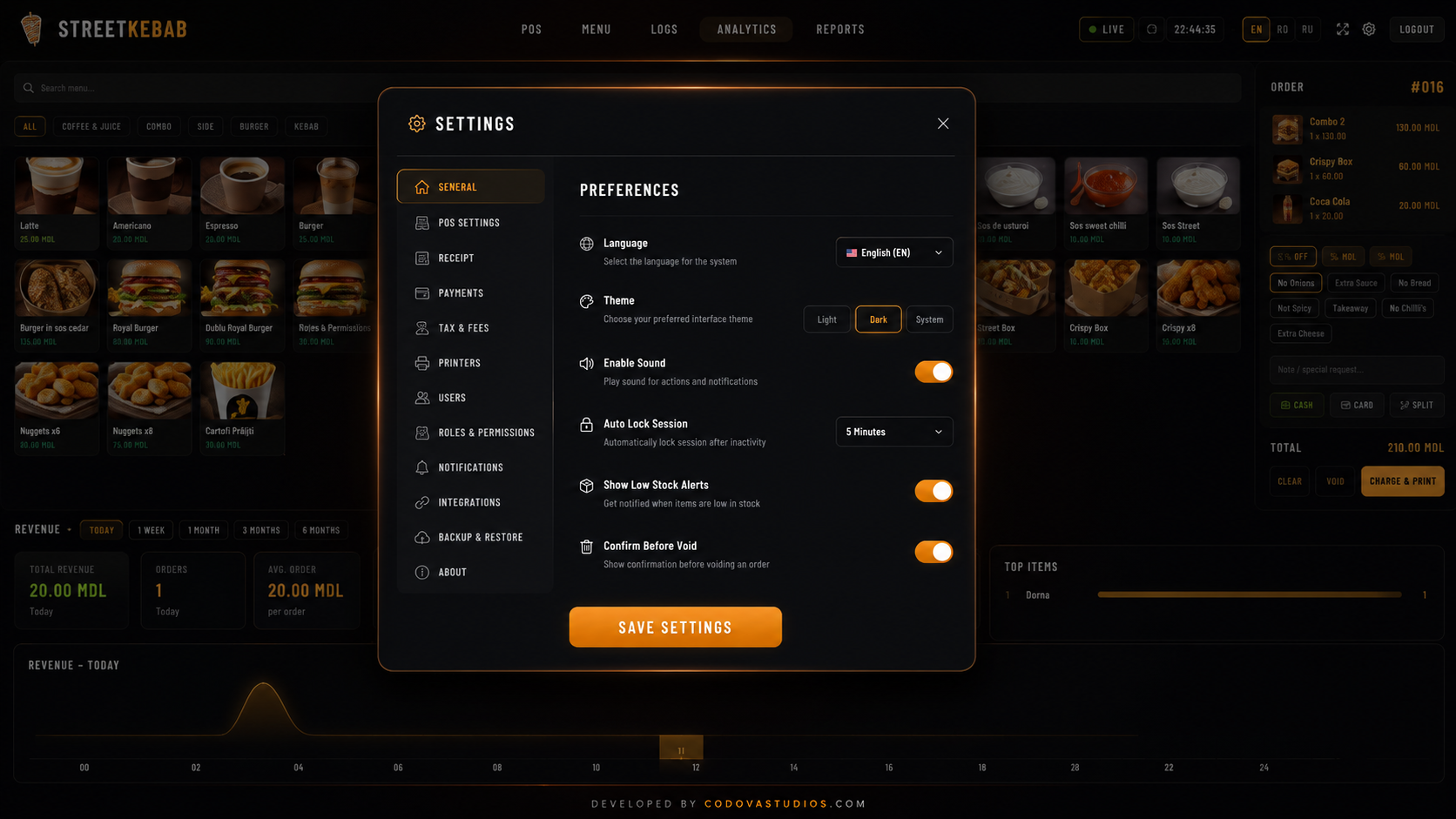
We take your menu, modifiers, prices and floor plan and build them into the system — you don't type in hundreds of items.
Terminals, handhelds, KDS screens, kitchen and bar printers configured and routed per station.
We run a simulated service with your team: orders, splits, voids, refunds and end-of-day close.
An engineer stays through your first live rush, then support continues 24/7 with remote diagnostics.
For table service, the right POS is one that handles table maps, course timing, split bills and a kitchen display in one system. Codova's restaurant POS covers all four, runs offline during service, and is configured with your menu before install.
Yes. KDS screens are part of the venue setup: tickets fire per station with prep timers, bump and recall, and all-day item counts. You can also keep kitchen printers alongside the screens.
Yes. Bills split by seat, item or an even share, tabs can be merged, service charge is configurable, and tips are attributed per staff member on the shift report.
Yes. The terminals are offline-first: ordering, printing and cash payments continue locally and everything syncs to the cloud once the connection returns.
About a week for a single venue: menu and floor build, hardware and printer routing, a dry-run service with your team, then go-live with an engineer on the floor.
No. Hardware and setup are one-time, software is licensed monthly per terminal, and there are no per-transaction fees on top.
30 minutes with an engineer: your menu, your floor plan, your printer setup, and a fixed install date.